

Catalog
The Catalog is the app where core product data is managed: the products themselves, their attributes and variants, units of measure, the categories they appear under in the point of sale, the bills of materials they are built from, their manufacturing orders, and the taxes applied to them.
Everything set here is reflected directly in what appears to the cashier at the point of sale, and in what is deducted from inventory on every sale.
Benefits of the Catalog
Organize all products both those sold and raw materials in one place.
Add attributes and variants to a single product (such as size or add-ons) with a different price per option.
Group products into categories that appear neatly inside the cashier app.
Link a composite product to its components, whether it is manufactured by a separate order or its components are deducted on sale.
Set the taxes applied to sales and purchases precisely.
How to access the Catalog
From the system's home page, click the “Catalog” icon to open the app directly.
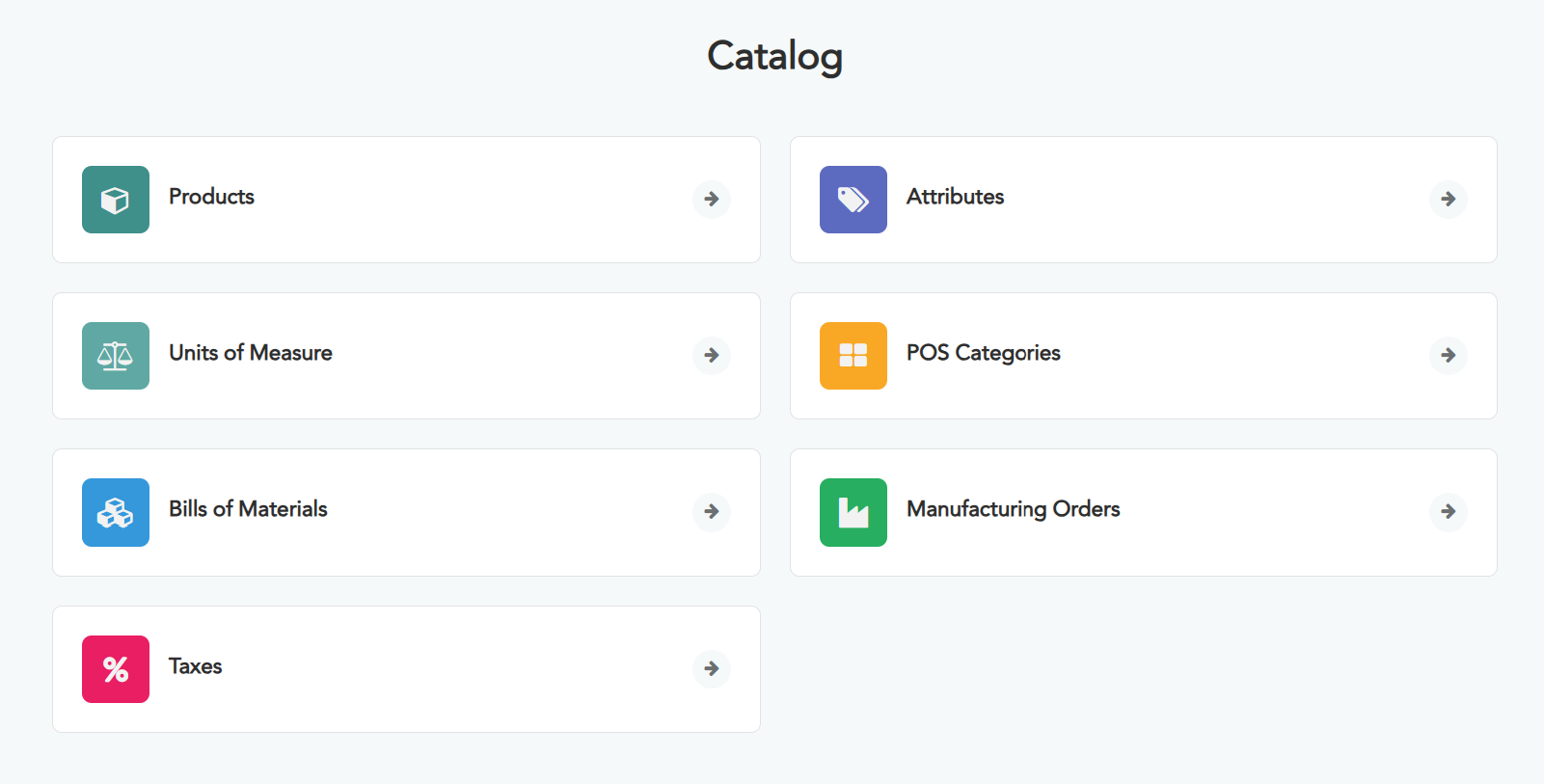
The main screen appears, containing the following seven sections.
The “Access Rights” section does not currently appear for the owner account.
The Catalog's sections
Products — create and manage products for sale and raw materials.
Attributes — define the options of a product for sale, if any.
Units of Measure — the units in which product quantities are measured.
POS Categories — classify products as they appear in the cashier app.
Bills of Materials — the components of each composite product.
Manufacturing Orders — carry out production of manufactured products.
Taxes — tax rates on sales and purchases.